
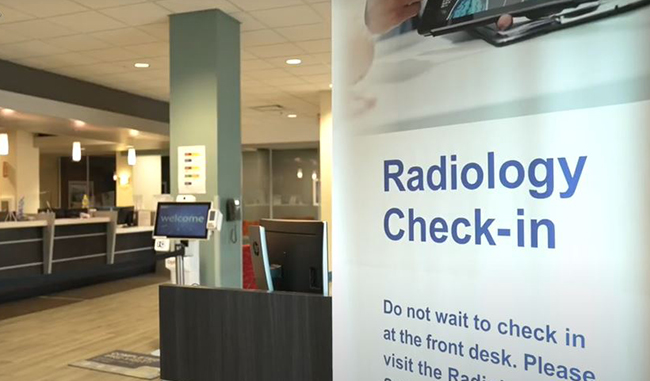
 Optum Radiology at Crystal Run Healthcare
 Same and next-day pediatric appointments
Bill Payment
Paying Bills Just Got Easier:
It's easier than ever to view and manage. your medical bills digitally using a mobile device or computer. Crystal Run Healthcare offers an online mobile platform that makes it easier to review and manage your healthcare bills 24/7. In just a few easy steps, you can complete payment anytime, anywhere. Proceed with confidence, as your payment information will be secured to the highest standards of the payment industry.
Bill Payment Link:
Established patients can manage their bills directly at pay.optummedical.com.
Pay By Phone
You can also pay your bill quickly and easily over the phone. Just call and follow the prompts to pay your bill using our new automated payment system.
Payment methods we accept in the office at the time of service:
- Check
- HSA/FSA
- Credit Card, including American Express, Discover, MasterCard and Visa.
If paying online, we also accept Apple Pay and Google Pay. Please have your bill and method of payment ready.

Explain my bill - Frequently asked questions
Making sense of your medical bills can feel overwhelming. At Crystal Run Healthcare powered by Optum, we're here to help make healthcare easier. Download our simple guide to understanding the terms you might find on your bill.
Payments Made Easy - FAQ's
Can I opt out of paperless billing?
You can manage notification settings by going to pay.optummedical.com and selecting “My Account”.
How do I access my account in your billing system?
To securely view and pay your bills online, visit pay.optummedical.com and enter your Bill ID and date of birth.
If you don’t know your Bill ID, click “Find Your Account” and follow the instructions for next steps. Additionally, if you received electronic bill notifications via text message and/or email, click on the link in the message to directly access your account.
Where can I find my Bill ID?
Your Bill ID is a 12-digit number that can be found at the upper right hand corner of your monthly paper statement as well as at the top of electronic bill notifications that you may have received via email.
How do I receive my Crystal Run bills?
After a bill has been processed by insurance or Crystal Run and is ready for you to view, you will be notified via email and/or text message that your bill is ready.
Will I still receive a statement?
Yes, in addition to email and/or text messages, a statement will be mailed to your billing address unless you update your settings to go paperless.
Updates to Our Billing Policy as of January 1, 2020:
We would like to inform you of a new change to our billing policy. Effective January 1st, 2020, in order to be seen Crystal Run Healthcare will require all copayments to be made in full at the time of service. Please bring your preferred payment method with you to your next office visit. Please check with your insurance company prior to your visit to be sure of your financial obligation. If you have Medicaid, Medicare, two insurances, an active HRA account, or workers comp, (any insurance that does not require a copayment) then you will not be required to leave a credit card on file.